UST projector throw distance calculator
Pick a projector and a picture size: you get the gap between lens and screen, and how deep your console needs to be.
Calculator
- Picture width
- 87.2 in
- Picture height
- 49 in
- Console depth, at most
- 29.8 in
- Sizes this model supports
- 80 to 200 in
Distance from lens to screen, all 15 projectors
Compare specs side by side| Projector | Throw ratio | 100 in | 120 in | 150 in | Sizes supported |
|---|---|---|---|---|---|
| 0.16:1 | 13.9 in | 16.7 in | 20.9 in | 80 to 150 in | |
| 0.175:1 | 15.3 in | 18.3 in | Beyond its range | 80 to 120 in | |
| 0.177:1 | 15.4 in | 18.5 in | 23.1 in | 90 to 150 in | |
| 0.18:1 | 15.7 in | 18.8 in | 23.5 in | 80 to 200 in | |
| 0.18:1 | 15.7 in | 18.8 in | 23.5 in | 80 to 200 in | |
| 0.189:1 | 16.5 in | 19.8 in | Beyond its range | 100 to 130 in | |
| 0.2:1 | 17.4 in | 20.9 in | 26.1 in | 80 to 200 in | |
| 0.2:1 | 17.4 in | 20.9 in | 26.1 in | 80 to 200 in | |
| 0.2:1 | 17.4 in | 20.9 in | 26.1 in | 80 to 150 in | |
| 0.21:1 | 18.3 in | 22 in | 27.5 in | 80 to 150 in | |
| 0.21:1 | 18.3 in | 22 in | 27.5 in | Not stated | |
| 0.22:1 | 19.2 in | 23 in | 28.8 in | 80 to 150 in | |
| 0.23:1 | 20 in | 24.1 in | 30.1 in | 80 to 150 in | |
| 0.25:1 | 21.8 in | 26.1 in | 32.7 in | 80 to 150 in | |
| 0.25:1 | 21.8 in | 26.1 in | Beyond its range | 60 to 120 in |
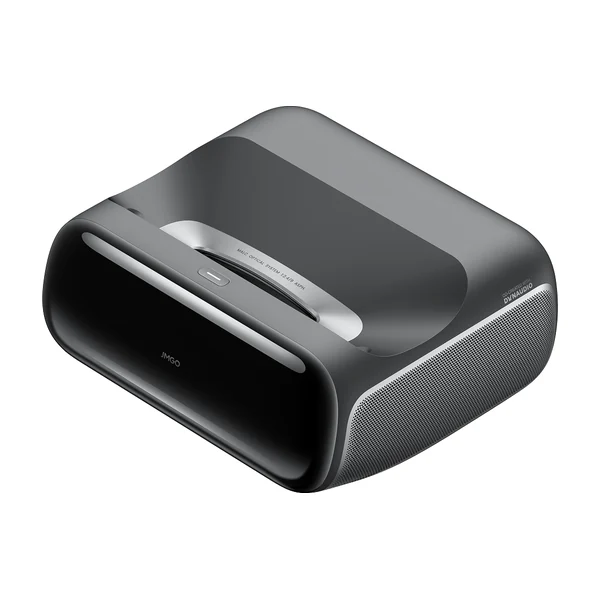
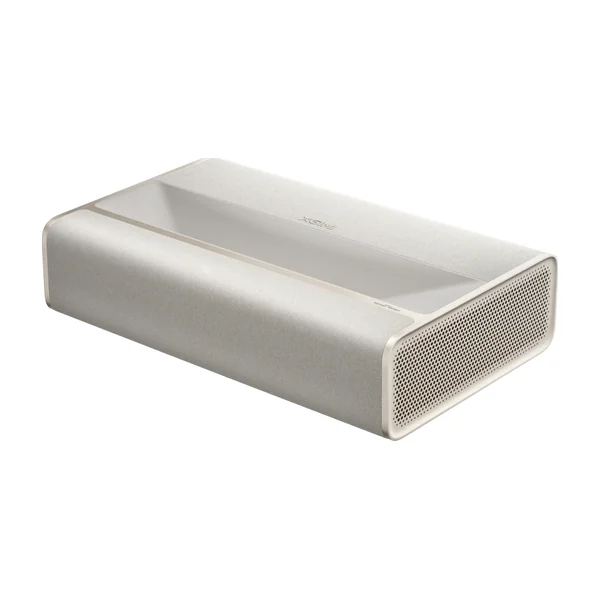
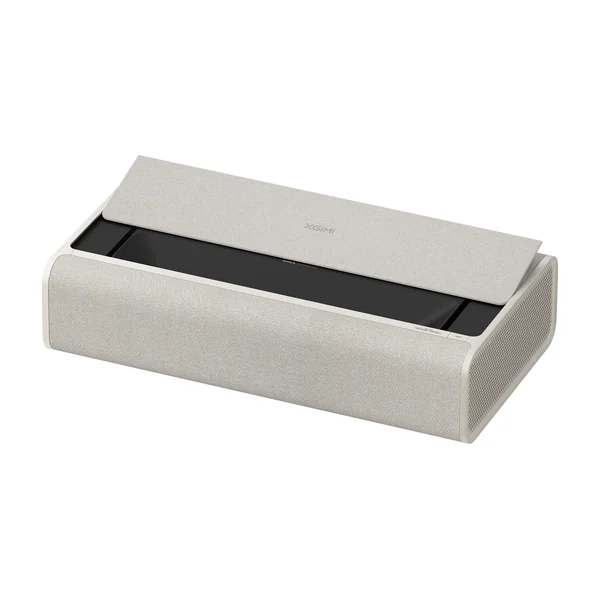
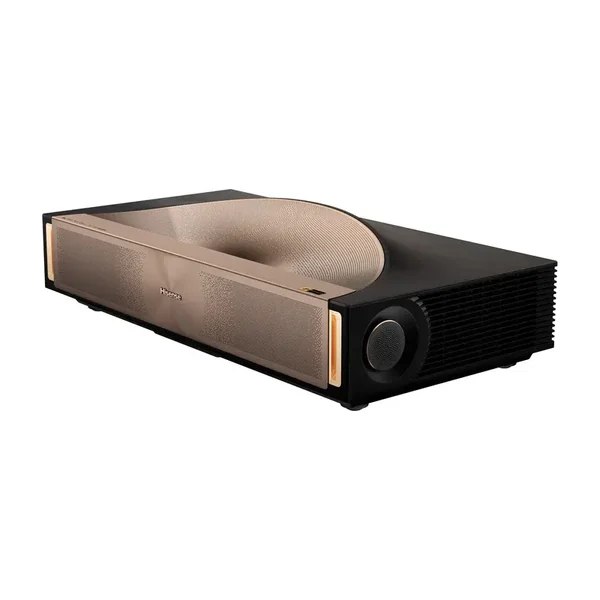
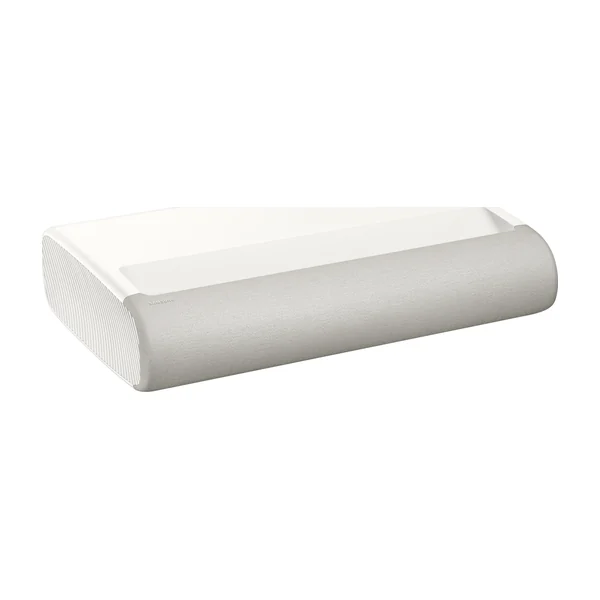
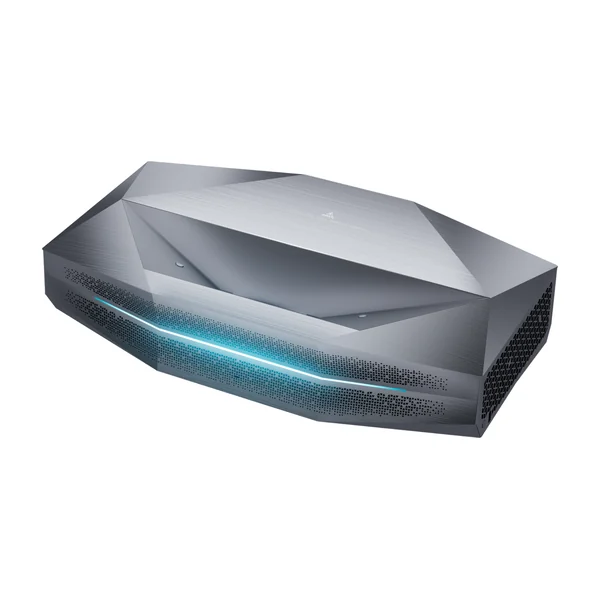
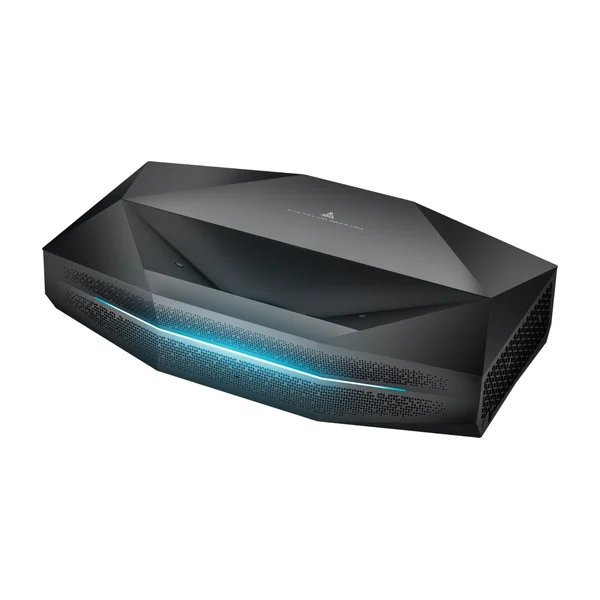
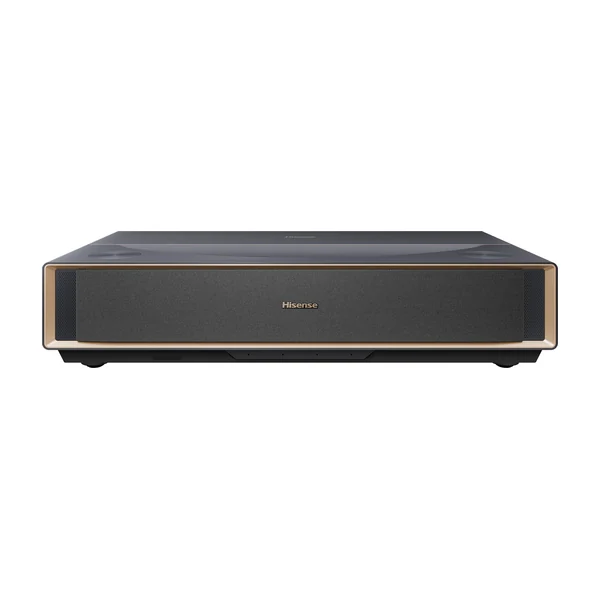
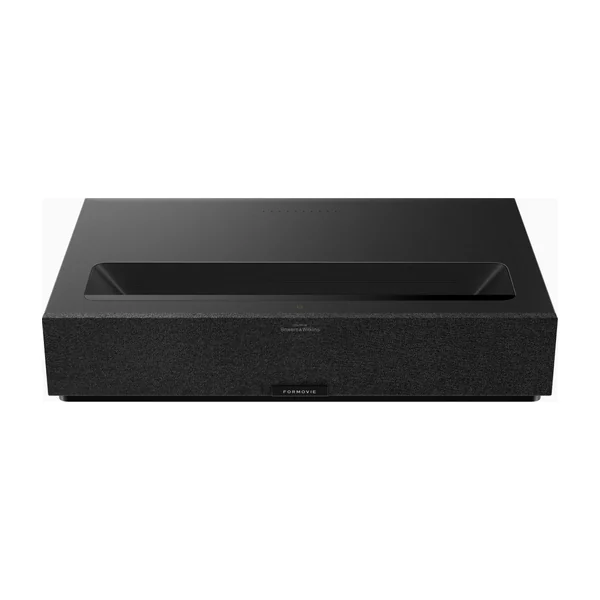
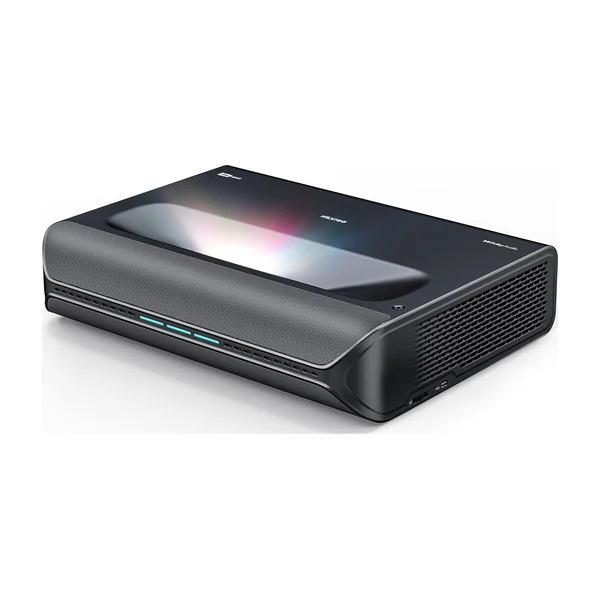
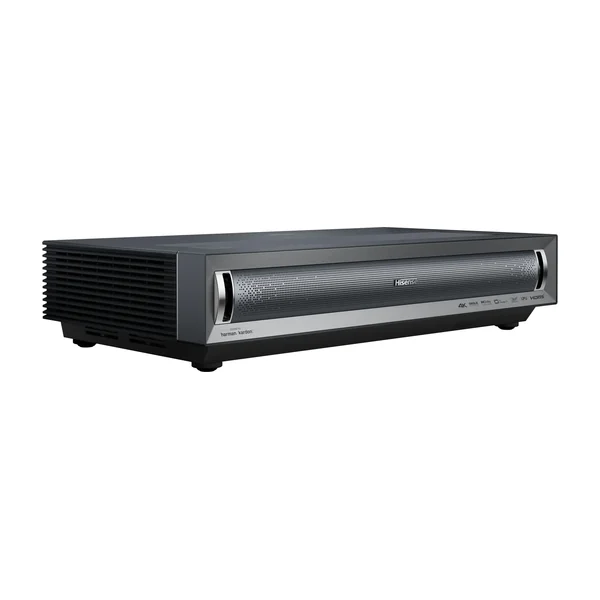
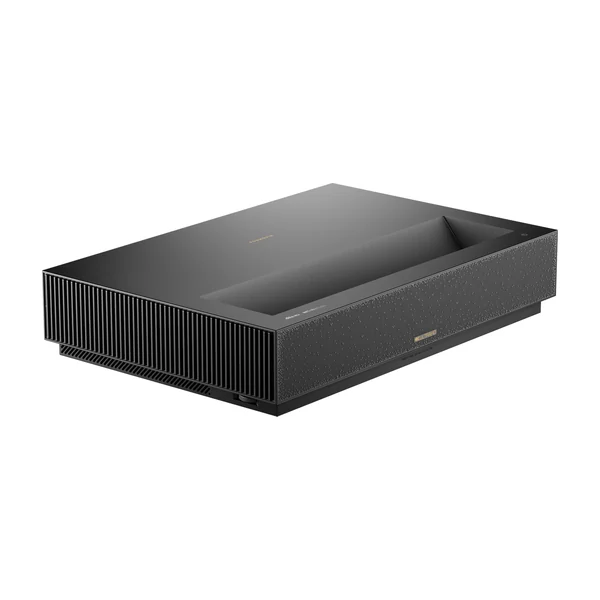
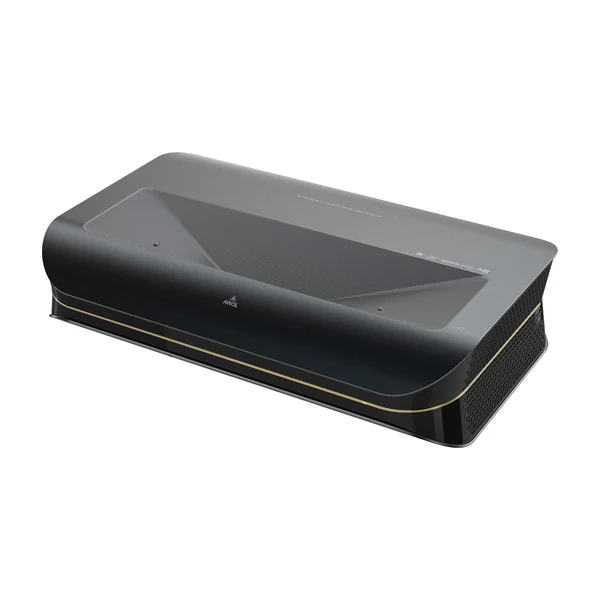
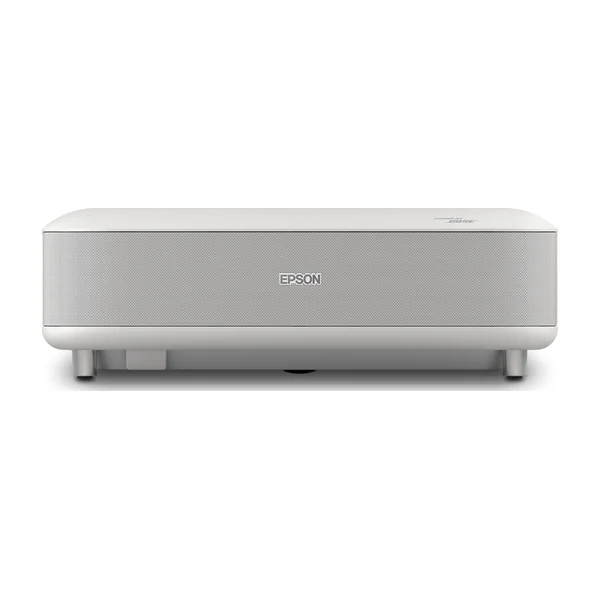
Throw ratios read on each brand's US page on November 13, 2026. "Beyond its range" means the brand doesn't rate the projector for that size.
How to read these numbers
The throw ratio tells you how far the lens must be from the screen for a given picture width. With a 0.2:1 ratio, a picture 87.2 inches wide (that is 100 inches diagonal) needs the lens 17.4 inches from the screen. A lower ratio means the projector sits closer: the JMGO O2S Ultra is the closest on our list at 0.16:1.
Two practical points. The lens sits toward the back of the cabinet, so the front of the projector sticks out further than the lens distance: that is the "console depth, at most" figure. And the picture starts some inches above the projector, more as the picture grows, so a bigger picture also asks for a lower console or a higher wall. Each maker's manual gives that offset; our UST projector setup guide explains how to use it.
Not sure an ultra short throw is the right kind of projector for your room? Read short throw projector vs ultra short throw, then come back to our ranking of the best ultra short throw projectors.
Throw distance: quick answers
UST projector setup guideHow far from the wall does a UST projector sit?
Between 13.9 and 21.8 inches from lens to screen for a 100-inch picture on the 15 projectors we compare, depending on the throw ratio (0.16:1 to 0.25:1).
How do you calculate the throw distance?
Multiply the picture width by the throw ratio. A 16:9 picture is 0.8716 times its diagonal wide, so a 100-inch picture is 87.2 inches wide and a 0.2:1 projector needs 17.4 inches from lens to screen.
How deep must the console be?
Deep enough for the whole cabinet at that distance. The lens sits toward the back of a UST projector, so the cabinet's front edge ends up at most the lens distance plus the cabinet depth from the screen. The calculator gives that upper figure; the maker's manual gives the exact one.
Does a bigger picture need more distance?
Yes, in proportion. Going from 100 to 120 inches adds 20% to the distance, and also lowers the picture on the wall, so check the height of your console too.